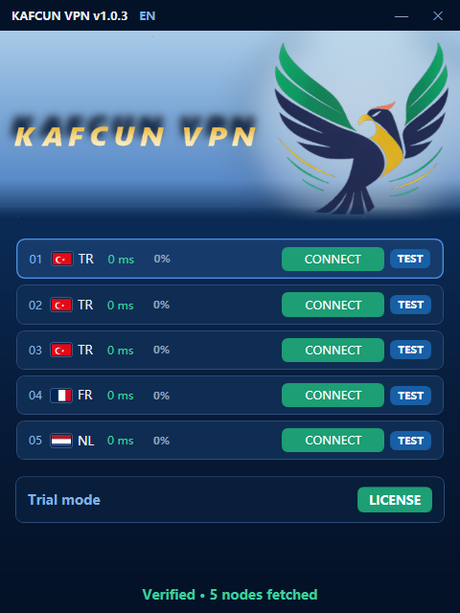
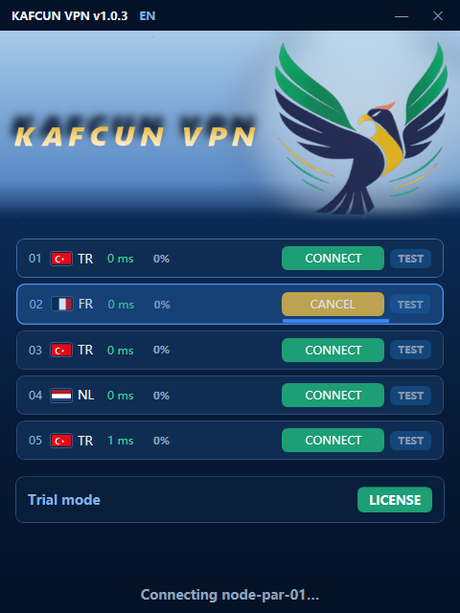
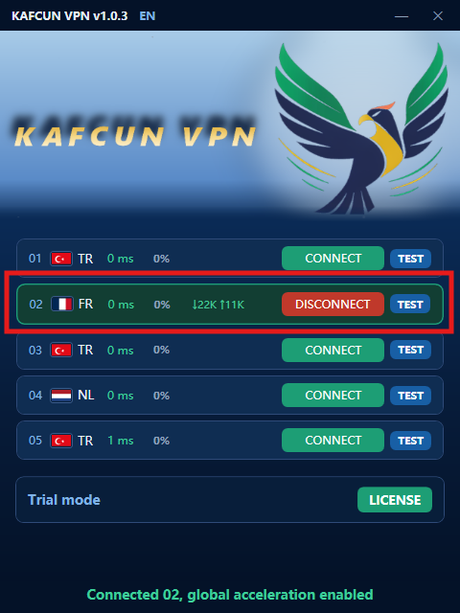
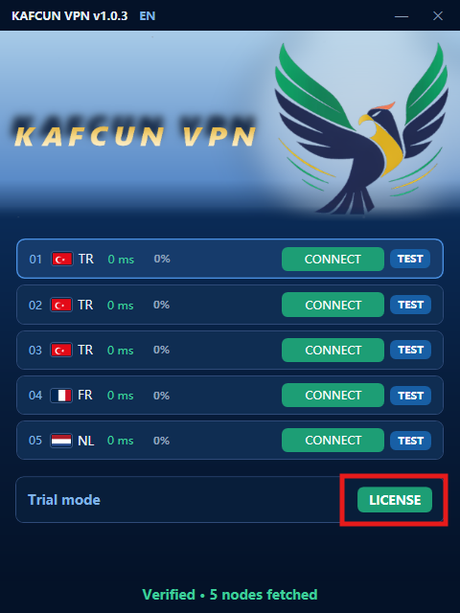
First launch
Download and run
- Download the build you want — KafcunVPN-release-1.0.40.exe or KafcunVPN-portable-1.0.40.exe — only from this official website or the official Telegram channel (@kafcun). Never download it from third-party sites.
- Choose a build: Release is self-contained (about 86 MB) and Portable is a single small file (about 16 MB). They are the same client, so pick whichever you prefer.
- After downloading, verify the file. Its SHA-256 hash must match the value shown for that build on the release notes page. On Windows, open a terminal in the folder and run certutil -hashfile KafcunVPN-release-1.0.40.exe SHA256 (use KafcunVPN-portable-1.0.40.exe if you downloaded the Portable build instead).
- Your browser may block the file — Kafcun isn't code-signed yet. In Chrome/Edge choose Keep; if Windows SmartScreen warns, click More info → Run anyway.
- Run it. Windows may ask for administrator permission — choose Yes.
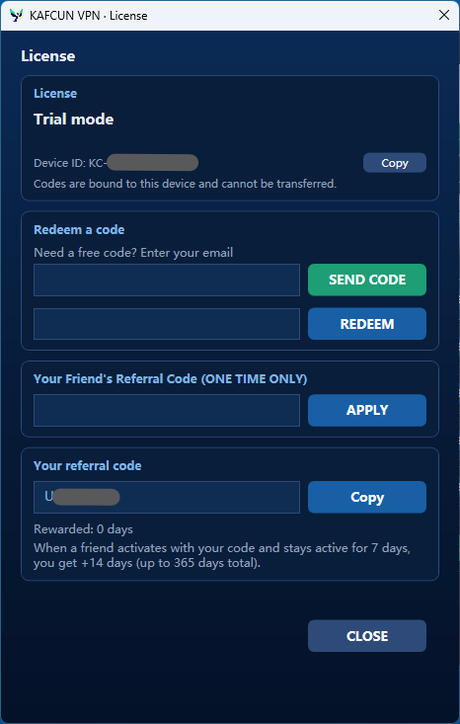
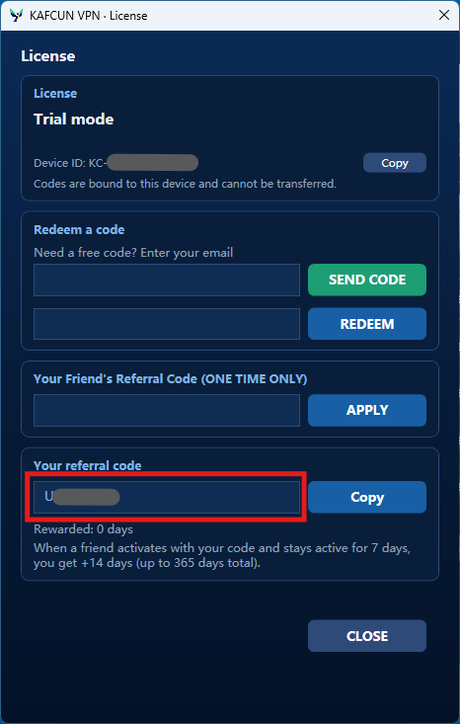
- The main window opens. Your free trial starts automatically.
Kafcun isn't code-signed yet, so your browser and Windows SmartScreen will flag the download. That's expected — follow the steps above to allow it. Before running, make sure the SHA-256 hash matches, and for extra peace of mind upload the file you downloaded to VirusTotal and scan it.
No installer and no extra dependencies — for either build. Each one is a single file you can keep anywhere; the Portable build is the smaller of the two.